
We believe great careers are built on strong foundations. At Mindscribe, we don’t just teach tools — we shape thinking, skills, and confidence.
Mindscribe School of Design & Technology offers a career-focused learning experience through real-world project exposure, collaborative workflows, and industry-relevant training. With flexible rolling batches, students can begin their journey at the right time without delay. As an ISO-certified institution, we ensure quality education, consistency, and academic excellence. Our programs are designed to deliver premium learning at affordable fees with transparent pricing. Beyond the classroom, we provide lifetime support through mentorship, alumni guidance, and dedicated career assistance.
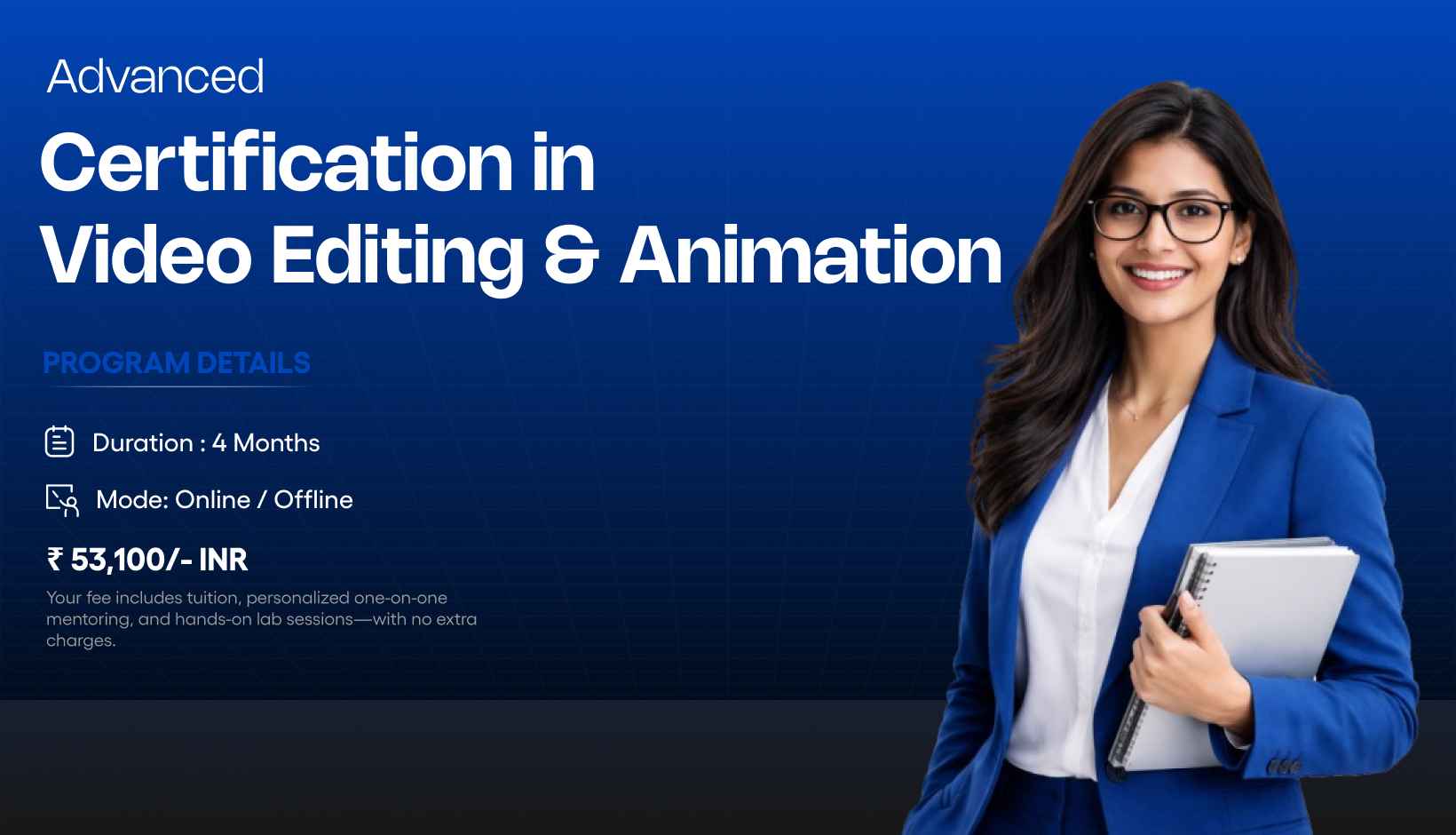
The Video Editing & Animation Program is a comprehensive, industry-aligned 3-month course designed to prepare students for entry-level roles in animation, video editing, and motion graphics. The program focuses on building strong creative fundamentals, he program focuses on building strong creative fundamentals, mastering professional tools, and applying skills through real-world projects. Students gain hands-on experience in 2D animation, video storytelling, and motion graphics, enabling them to create industry-ready visual content for digital platforms, media, and marketing.
| Module 1: Introduction to Animation & Video Production | |
|---|---|
| Overview of animation, video editing, and motion graphics | |
| Industry applications and career paths | |
| Understanding animation & video workflows |
| Module 2: Animation Fundamentals (Adobe Animate) | |
|---|---|
| Color Principles of Animation (timing, pacing, squash & stretch) Theory & Color Psychology | |
| Frame-based animation concepts | |
| Apply Now animation principles in projects |
| Module 3: Adobe Animate – Tools & Vector Design | |
|---|---|
| Adobe Animate interface & workspace | |
| Drawing tools and vector artwork creation | |
| Sketch-to-vector workflow | |
| Optimizing assets for animation |
| Module 4: 2D Animation Techniques | |
|---|---|
| Timeline & layer management | |
| Frame-by-frame animation | |
| Motion, shape & classic tweens | |
| Symbol usage and reusable assets |
| Module 5: Character & Cartoon Animation | |
|---|---|
| Designing simple characters | |
| Basic character rigging | |
| Animating walk cycles and expressions | |
| Exporting animations for digital platforms |
| Module 6: Video Editing Fundamentals (Adobe Premiere Pro) | |
|---|---|
| Video editing workflow & storytelling | |
| Premiere Pro interface & project setup | |
| Importing media and timeline editing | |
| Trimming, rearranging, and multi-track editing |
| Module 7: Video Effects, Color & Audio | |
|---|---|
| Video effects and transitions | |
| Keyframe-based animations | |
| Color correction using Lumetri Color | |
| Audio balancing and basic audio effects | |
| Titles, captions, and lower-third graphics |
| Module 8: Motion Graphics (Adobe After Effects) | |
|---|---|
| After Effects interface & composition setup | |
| Keyframe animation fundamentals | |
| Text and shape animations | |
| Layer-based motion graphics design |
| Module 9: Compositing & Visual Effects Basics | |
|---|---|
| Green screen keying | |
| Masking and compositing fundamentals | |
| Plugins & presets awareness (conceptual) |
| Module 10: Export, Workflow & Industry Practices | |
|---|---|
| Premiere Pro After Effects workflow | |
| Exporting for social media, web & broadcast | |
| Render Queue & Media Encoder | |
| File formats, codecs & delivery standards |
| Module 11: Projects & Portfolio Development | |
|---|---|
| 2D animated short clip | |
| Edited video project | |
| Motion graphics video | |
| Clean timelines, layers & exports |
| Module 12: Career & Portfolio Readiness | |
|---|---|
| Showreel and portfolio preparation | |
| Project presentation techniques | |
| Entry-level job & freelance guidance |
| Adobe Animate |
| Adobe After Effects |
| Adobe Premiere Pro |
| Adobe Media Encoder |
| Create professional 2D animations, edited videos & motion graphics for digital platforms |
| Edit videos with proper storytelling, spacing, color correction, and audio balance |
| Build a portfolio and showreel showcasing animation, video editing, and motion graphics projects |
| Design engaging motion graphics, titles, lower thirds, and animated content |
| Junior Video Editor |
| Motion Graphics Artist |
| 2D Animator |
| Content Editor |
| Visual Content Creator |
| Creative Executive |
| Media Production Assistant |
| What is Video Editing and Animation? | ||
|---|---|---|
| Video Editing and Animation is the creative process of cutting, enhancing, and animating visual content for films, ads, social media, and digital platforms. It combines editing techniques, motion graphics, visual effects, and storytelling to create engaging videos. |
| Who can join the Video Editing and Animation course at Mindscribe? | ||
|---|---|---|
This course is suitable for:
|
| What software and tools are covered in this course? | ||
|---|---|---|
The Video Editing and Animation curriculum
at Mindscribe includes:
|
| Is this Video Editing and Animation course practical? | ||
|---|---|---|
Yes. This is a
fully practical, project-based training
program. Students will work on:
|
| How is Video Editing and Animation different from only Video Editing? | ||
|---|---|---|
|
| Will I receive a certificate after completing the course? | ||
|---|---|---|
| Yes. After successful completion, students receive aVideo Editing & Animation Certification from Mindscribe School of Design & Development, suitable for creative portfolios and job applications. |
| Does Mindscribe provide placement or freelance guidance? | ||
|---|---|---|
Yes. Mindscribe offers:
|
| Is the Video Editing and Animation course available in Coimbatore? | ||
|---|---|---|
Yes. The course is offered at
Mindscribe School of Design &
Development, Coimbatore,
with:
|
| What career opportunities are available after completing this course? | ||
|---|---|---|
After completing the course, students can
pursue roles such as:
|
| Why choose Mindscribe for Video Editing and Animation training in Coimbatore? | ||
|---|---|---|
Mindscribe stands out because of:
|
I have completed my Video Editing and Animation course in Mindscribe School of Design & Technology. The staff are true professionals, friendly, flexible, and made me more comfortable throughout the course. Big shoutout to their patience towards listening to my queries and ideas. Their knowledge sharing is very commendable. I am very glad that I chose MSDT. Thank you, Vinoth Sir.


Mindscribe School of Design & Technology’s Video Editing and Animation course is excellent for anyone looking to start a career in creative media. The practical training approach, mentor support, and project-based learning helped me improve my editing and animation skills significantly. I feel ready to work on professional projects now. This is the best institute in Coimbatore for Video Editing and Animation training.
© 2025 All Rights Reserved by Mindscribe School of Design & Technology